
How to Resize Signature Online
- 1
Upload Your Image
Drag and drop your scanned digital signature in JPG or PNG format into the resizer box above.
- 2
Target KB Size
Most portals require 10KB to 20KB. The tool is pre-set to 15KB for maximum success.
- 3
Instant Compression
Our tool adjusts quality levels to reach your exact KB limit without making the signature blurry.
- 4
Download & Upload
Click "Resize Now" and download your perfectly formatted signature instantly.
Complete Guide: Capturing & Formatting Digital Signatures
When filling out online recruitment forms for government jobs, banking positions, entrance tests, or visa applications, uploading a clean, high-contrast digital signature is essential. Examination portals utilize automated Optical Character Recognition (OCR) and facial verification software that instantly reject signatures suffering from low contrast, background shadow tints, or improper aspect ratios.
Step 1: Proper Paper & Ink Preparation
Always sign inside a clear rectangular box on unruled, pure white printer paper using a black or dark blue ink pen (preferably a gel or fine-tip rollerball pen). Avoid using blue ballpoint pens that leave faint or uneven ink trails, and never sign on lined notebook paper.
Step 2: Smartphone Photography & Lighting
Position your paper near indirect natural daylight or a bright desk lamp. Hold your smartphone directly above the paper (parallel to the surface) to prevent perspective distortion. Ensure no shadows from your hands or device cast across the signature block.
Step 3: Precise Cropping & Compression
Crop tightly around the outer edges of the signature, leaving a small white border on all four sides. Upload the file to PhotoResizer.in and select your target file weight (e.g. 10KB–20KB) or target pixel dimensions (e.g. 140 × 60 px). Our browser engine instantly adjusts compression parameters while keeping signature lines sharp and dark.
Signature Size Requirements (SSC, UPSC, Bank)
| Portal Name | KB Size Limit | Dimensions (cm) |
|---|---|---|
| SSC (CGL, CHSL) | 10KB - 20KB | 4.0 x 2.0 |
| UPSC (CSE, NDA) | 20KB - 300KB | 3.5 x 1.5 (min) |
| IBPS / SBI PO | 10KB - 20KB | 140 x 60 px |
| Railway (RRB) | 10KB - 40KB | 3.5 x 1.5 |
Correct Digital Signature Example
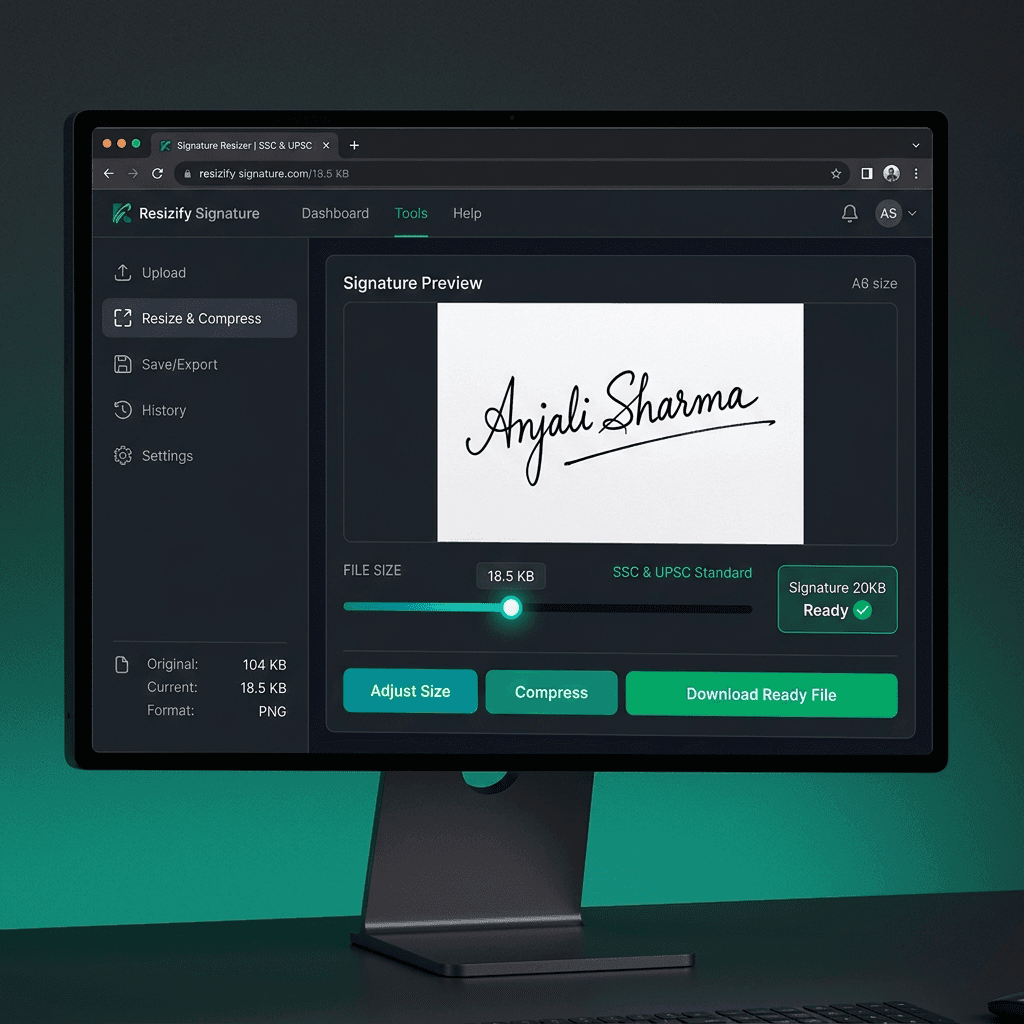
Pro Tip: Use a black gel pen on plain white unruled paper for the best results when you compress signature image files.
Why Use Our Signature Resizer?
- No server uploads — 100% private.
- Hit exact 10KB or 20KB targets.
- Maintains ink clarity and contrast.
Common Rejection Reasons
- ✗ Blue ink used (many portals require black).
- ✗ Signature in capital/block letters.
- ✗ Shadows or lines on background paper.
Ready to Compress Your Signature?
Frequently Asked Questions
How to compress signature image to 10-20KB online?
Upload your signature to PhotoResizer.in, select your target KB (10KB, 15KB, or 20KB) or 140x60 pixels, and click Resize. Your signature is compressed instantly with sharp contrast.
What is the standard signature height and width for exam forms?
Most Indian exam forms (SSC, IBPS, SBI PO, CTET) require signature dimensions of 140 x 60 pixels (or 4.0 cm x 2.0 cm) and file size between 10KB and 20KB.
What is the signature size for SSC forms?
SSC requires signatures to be between 10KB and 20KB with dimensions of 4.0 cm x 2.0 cm. Black ink on white paper is strictly recommended.
How to resize signature for UPSC portal?
UPSC requires signatures to be at least 20KB. Use our signature size reducer to ensure your signature meets the minimum file size requirements while staying sharp.
Can I upload a PNG signature?
Most government portals prefer JPG or JPEG. If you have a PNG, our tool will automatically convert it to the correct format during the resize process.
Is my digital signature safe with this tool?
Yes! We use client-side processing, meaning your signature never leaves your device. It is processed entirely in your browser.