
Compress Signature to 10KB, 15KB, or 20KB
Different exam notifications specify different target limits. Whether you need to compress signature to 20KB, reduce signature size to 15KB, or resize signature image to 10KB, select the specific tool preset below:
Standard Signature Upload Format for SSC & Government Exams
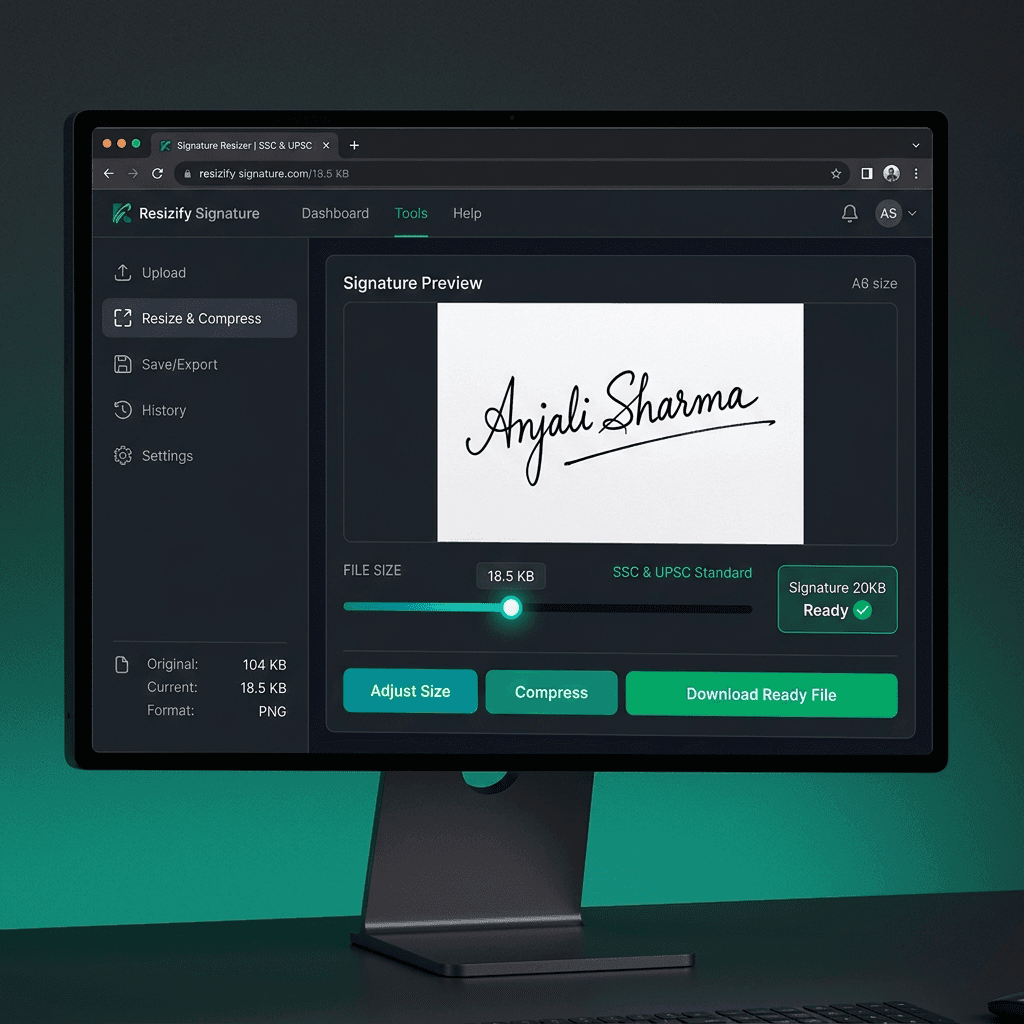
Tip: For the best signature resize 10kb to 20kb result, sign on plain white paper using a dark black ink pen and crop tightly around the signature.
How to Resize Signature Image to 10KB–20KB Online
Sign & Capture
Sign on unruled white paper with black/blue pen. Take a photo in clear light.
Crop Margins
Crop close to your signature so background paper doesn't inflate file size.
Upload & Select KB
Select 20KB or 15KB in the tool above and click Compress.
Download JPG
Download your signature file formatted strictly between 10KB and 20KB.
Common Reasons Signatures Are Rejected (And How to Fix Them)
Avoid these 4 common rejection pitfalls during document upload in SSC, UPSC, and Banking application forms:
File Size Outside 10KB–20KB Range
Uploading a file under 10KB or over 20KB triggers a mandatory upload validation error on server submit.
Excessive Background Margin
If you don't crop white space, your actual signature will appear tiny and illegible on the admit card.
Incorrect File Extension (PNG/WebP)
Most portals strictly mandate .jpg or .jpeg. Our resizer automatically converts PNG to JPG format.
Ruled Paper or Blue Line Artifacts
Always sign on pure white unruled paper so automated optical verification can read your signature.
Official Government Exam Signature Size Requirements
Check the exact file size and pixel dimension guidelines for popular competitive exams in India:
| Exam Portal | Pixel Dimensions | Required File Size | Format |
|---|---|---|---|
| SSC Signature (CGL/CHSL/GD) | 140 × 60 px (4.0 × 2.0 cm) | 10KB – 20KB | JPG / JPEG |
| Railway RRB Signature (NTPC/Group D) | 140 × 60 px or 80 × 200 px | 10KB – 20KB | JPG / JPEG |
| IBPS / SBI Bank Signature | 140 × 60 px (3.5 × 1.5 cm) | 10KB – 20KB | JPG / JPEG |
| UPSC Signature (IAS/NDA/CDS) | 350 × 350 px or 100 × 100 px | 10KB – 20KB | JPG / JPEG |
| DSSSB Signature | 140 × 110 px | 10KB – 20KB | JPG / JPEG |
| RBI Assistant / Officer Signature | 140 × 60 px | 10KB – 20KB | JPG / JPEG |
| EPFO & ESIC Signature | 140 × 60 px | 10KB – 20KB | JPG / JPEG |
Why Applicants Prefer Our Signature Resizer
100% Client-Side Privacy
Signatures are sensitive personal identification graphics. Unlike other file converters that send your files to cloud servers, our signature resizer processes your photo completely inside your device browser.
Precision Target KB Engine
Generic image compressors often produce inconsistent file sizes. Our target KB compression algorithm ensures your final image sits perfectly between 10KB and 20KB every single time.
💡 Pro Tips for 10KB–20KB Signature Resize
- Sign clearly with a dark black or blue pen on crisp white unruled paper.
- Crop tightly around your signature — eliminating extra background margins keeps the file size smaller without sacrificing pixel quality.
- Ensure proper lighting and avoid heavy shadows when taking a photo with your mobile device.
- Export or compress as JPG/JPEG format, which is required by 99% of government job portals.
- If your signature is in PNG format, our tool automatically converts it to JPG compressed under 20KB.
Frequently Asked Questions
Everything you need to know about resizing signature size between 10 KB and 20 KB
What does "signature size should be between 10 kb and 20 kb" mean?
How to resize signature to 10KB–20KB online for free?
What is the standard signature size for SSC forms?
How to convert PNG signature to JPG under 20KB?
Can I resize a signature image on Android or iPhone?
Is it safe to upload my signature on this resizer?
Why does my signature look blurry after resizing to 10KB-20KB?
Ready to Resize Signature to 10KB–20KB?
Join over 2 Million applicants who use our free browser resizer for SSC, UPSC, IBPS, and Railway RRB online applications.